
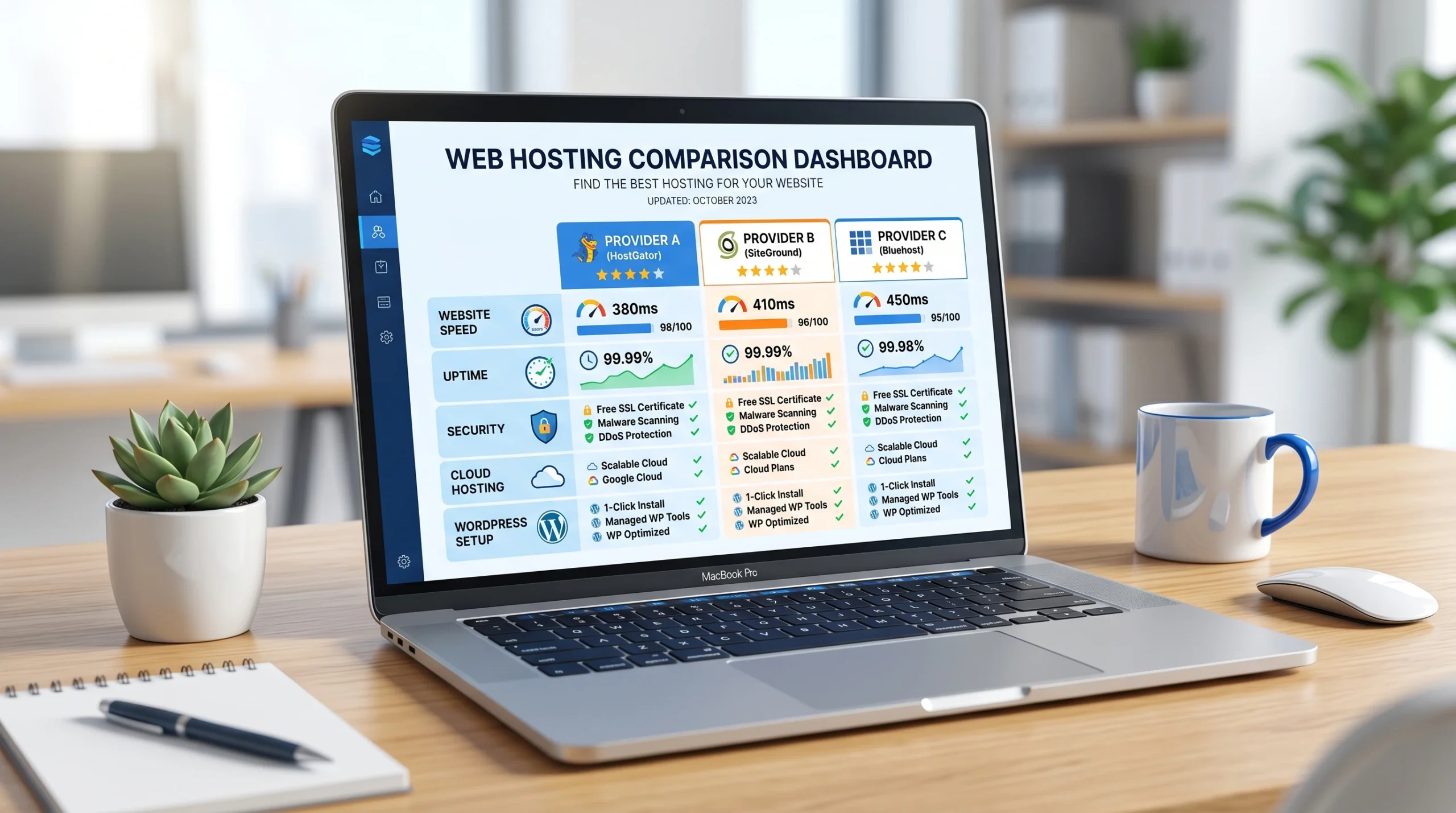
Starting a website is exciting, but choosing the right hosting provider can be confusing. Many beginners focus only on price and forget about important factors such as speed, uptime, security, and customer support. The truth is that your hosting provider plays a major role in your website’s success.
Whether you want to create a blog, portfolio, business website, or online store, selecting beginner-friendly hosting can save you time, money, and frustration. In this guide, you will learn what web hosting is, what features beginners should look for, and which hosting providers are often considered the best options for new website owners.
Find the best hosting for beginners in 2026. Compare top hosting providers, features, pricing, speed, and support before you choose.
What Is Web Hosting?
Web hosting is a service that stores your website files and makes them available online. When someone visits your website, the hosting server delivers your content to the visitor’s browser.
Think of your domain name as your website’s address and your hosting account as the land where your website is built. Without hosting, your website cannot be accessed on the internet.
If you’re new to website creation, you may also want to read our guide, “What Is Web Hosting and How Does It Work?“ to better understand the basics of hosting.
Why Choosing the Right Hosting Matters
Many beginners underestimate the importance of quality hosting. A poor hosting provider can cause:
- Slow website loading times
- Frequent downtime
- Security risks
- Poor customer support
- Difficulty managing the website
A reliable hosting service helps your website load faster, stay online, and provide a better experience for visitors.
What Beginners Should Look for in a Hosting Provider
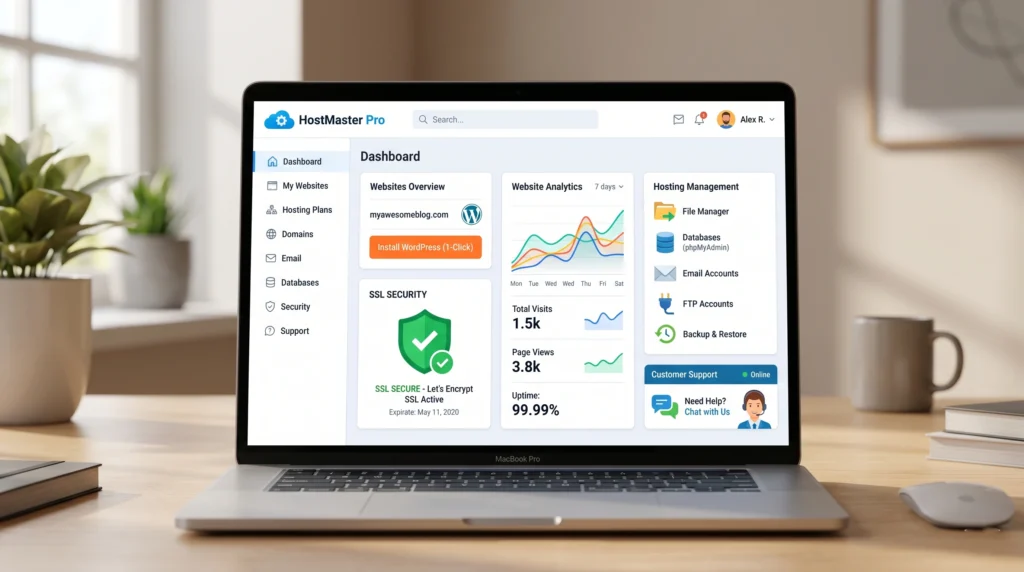
Before purchasing any hosting plan, consider the following features.
Easy-to-Use Control Panel
A beginner-friendly control panel allows you to manage your website without technical knowledge. Features like file management, email creation, backups, and domain settings should be easy to access.
One-Click WordPress Installation
Most beginners use WordPress because it is simple and flexible. Good hosting providers offer one-click WordPress installation, making setup quick and easy.
For official information about WordPress, visit the WordPress website and explore its beginner resources.
Reliable Customer Support
Problems can happen at any time. Beginners should choose a hosting company that offers 24/7 support through live chat, email, or tickets.
Good Website Speed
Fast-loading websites improve user experience and search engine rankings. Hosting performance directly affects website speed.
Google PageSpeed Insights can help you analyze and improve your website’s loading speed.
Strong Security Features
Look for hosting plans that include:
- Free SSL certificates
- Malware protection
- Automatic backups
- DDoS protection
- Secure servers
Affordable Pricing
Beginners usually have limited budgets. Choose a provider that balances affordability with performance and reliability.
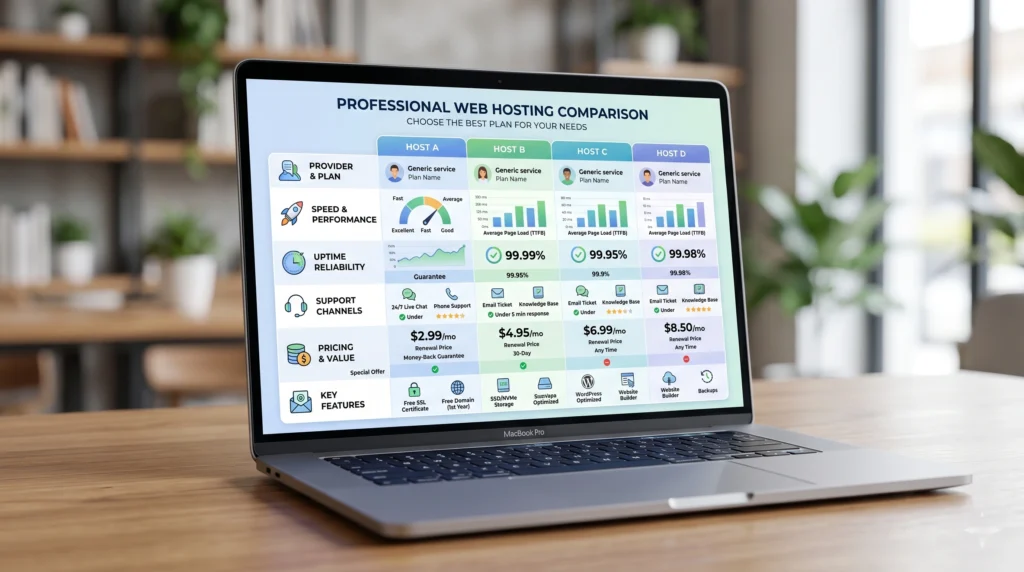
Best Hosting Providers for Beginners
1. Hostinger
Hostinger is one of the most popular hosting providers for beginners. It offers affordable plans, excellent performance, and an easy-to-use dashboard.
Pros
- Budget-friendly pricing
- Fast website performance
- Free SSL certificate
- User-friendly control panel
- One-click WordPress installation
- Helpful customer support
Cons
- Phone support is not available
- Some advanced features require higher plans
Best For
- New bloggers
- Small business websites
- Personal portfolios
- WordPress beginners
2. Bluehost
Bluehost has been a well-known hosting provider for many years. It is often recommended for WordPress websites and offers beginner-friendly tools.
Pros
- Easy WordPress setup
- Free domain for the first year
- User-friendly interface
- Reliable uptime
Cons
- Renewal prices can be higher
- Performance may vary on entry-level plans
Best For
- New WordPress users
- Small websites
- Personal blogs
Both Hostinger and Bluehost are excellent choices for beginners. Compare their latest features, pricing, and performance to find the hosting provider that best fits your website goals.
3. SiteGround
SiteGround is known for excellent customer support and strong website performance.
Pros
- Fast loading speeds
- Excellent support team
- Strong security features
- Daily backups
Cons
- Higher pricing than some competitors
- Limited storage on lower plans
Best For
- Business websites
- Growing blogs
- Users who prioritize support
4. DreamHost
DreamHost is another beginner-friendly hosting provider with straightforward pricing and reliable performance.
Pros
- Easy setup process
- Free SSL certificate
- Good uptime
- Transparent pricing
Cons
- The custom control panel may require adjustment
- Live chat availability varies
Best For
- Personal websites
- Small businesses
- WordPress users
5. A2 Hosting
A2 Hosting focuses on speed and performance. It provides beginner-friendly features while offering room for future growth.
Pros
- Fast servers
- Strong uptime
- Free SSL certificates
- Easy WordPress installation
Cons
- Higher renewal rates
- Some advanced features cost extra
Best For
- Performance-focused beginners
- Business websites
- Content creators
Before choosing a hosting provider, check out our detailed comparison of Bluehost vs Hostinger to see which platform offers the best value for beginners.
Shared Hosting vs Managed WordPress Hosting
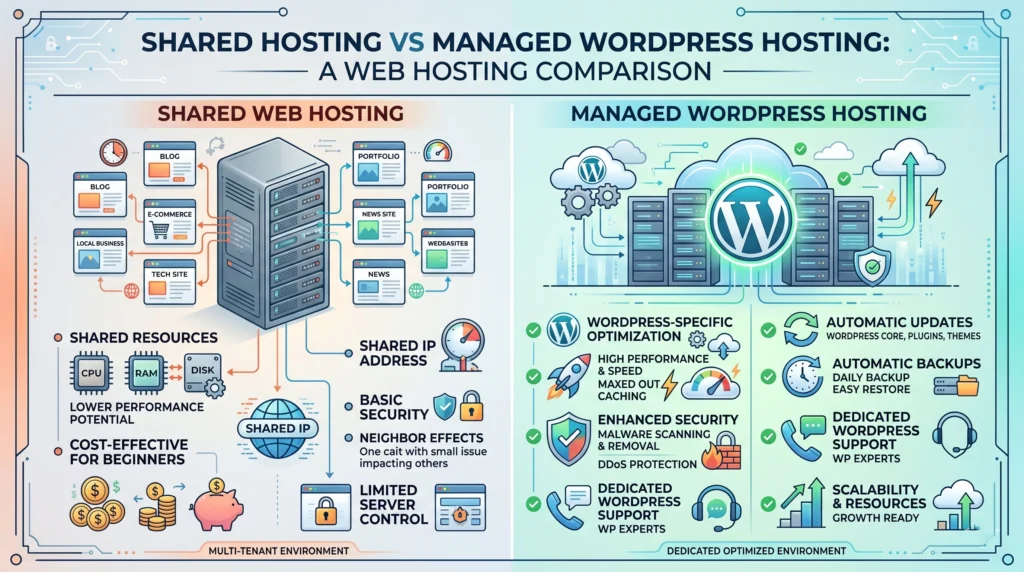
Beginners often wonder which type of hosting is best.
Shared Hosting
Shared hosting means multiple websites share the same server resources.
Benefits include:
- Lower cost
- Easy setup
- Suitable for new websites
Limitations include:
- Limited resources
- Performance may vary during traffic spikes
Managed WordPress Hosting
Managed WordPress hosting is optimized specifically for WordPress websites.
Benefits include:
- Better performance
- Automatic updates
- Enhanced security
- Expert WordPress support
Limitations include:
- Higher pricing
- Less flexibility for non-WordPress sites
For most beginners, shared hosting is usually the best starting point.
The Mozilla Developer Network (MDN) offers useful educational resources for learning more about websites and web technologies.
Common Hosting Mistakes Beginners Should Avoid
Choosing Based Only on Price
The cheapest hosting option is not always the best. Poor performance can hurt your website’s growth.
Ignoring Customer Support
Responsive support becomes extremely valuable when technical issues occur.
Not Checking Renewal Prices
Many hosting companies offer attractive introductory discounts. Always review renewal rates before purchasing.
Skipping Backups
Automatic backups help protect your website from accidental mistakes and security issues.
Buying Features You Don’t Need
New websites usually do not require expensive plans. Start small and upgrade later when needed.
Planning to start a blog? Our Blogging for Beginners Guide can help you successfully launch and grow your website.
How Much Hosting Do Beginners Really Need?
For most new websites:
- One website hosting is enough
- 10–50 GB storage is usually sufficient
- Free SSL is essential
- Daily or weekly backups are recommended
- Basic security features are enough initially
As your website grows, you can upgrade your hosting plan.
Is Free Hosting a Good Idea?
Free hosting may sound attractive, but it often comes with significant limitations:
- Slow performance
- Limited storage
- Poor security
- Forced advertisements
- Limited support
For serious websites, affordable paid hosting is usually a much better investment.
Final Recommendation
If you are completely new to website creation, look for a hosting provider that combines affordability, speed, security, and ease of use.
For most beginners, Hostinger is often considered one of the best overall choices because it offers excellent value, beginner-friendly tools, and reliable performance. Bluehost, SiteGround, DreamHost, and A2 Hosting are also strong alternatives depending on your specific needs and budget.
The best hosting for beginners is not necessarily the cheapest option. Instead, a hosting service makes managing your website simple and provides the performance and support you need for long-term growth.
After purchasing hosting, follow our Domain Name Buying Guide to choose the perfect domain for your website.
Conclusion
Choosing the best hosting for beginners is one of the most important decisions when launching a website. A reliable hosting provider can improve website speed, security, user experience, and overall success.
Take time to compare features, support quality, pricing, and performance before making a decision. Starting with a trusted hosting provider will help you build your website with confidence and avoid many common beginner mistakes.
Invest in quality hosting today, and your website will have a strong foundation for future growth and success.